
Introduction: The New Era of Digital Privacy
In an age where data breaches, surveillance, and cyberattacks are rampant, safeguarding privacy while browsing has become a critical concern. Traditional antivirus software and basic privacy measures are no longer sufficient to protect users from sophisticated threats. The evolution of PC privacy tools has brought groundbreaking advancements that redefine how we secure our digital activities. This article explores cutting-edge solutions tailored for Windows users, emphasizing tools like FreeVPNX and others that prioritize encryption, anonymity, and user control. Let’s delve into how these innovations are transforming online security.
---Section 1: The Evolution of Privacy Tools – From Basics to Next-Gen Solutions
Legacy privacy tools focused on blocking malware and pop-ups, but modern threats demand more nuanced approaches. Today’s solutions integrate advanced encryption, real-time monitoring, and AI-driven threat detection to combat phishing, data tracking, and unauthorized access. For Windows users, this shift is particularly crucial, as the OS remains a prime target for hackers.
Key advancements include:
- End-to-End Encryption: Tools like FreeVPNX leverage military-grade encryption protocols (e.g., AES-256) to scramble data, making it unreadable to third parties. This is vital for sensitive activities like online banking or messaging.
- No-Logs Policies: Trustworthy services, such as FreeVPNX, prioritize transparency by avoiding data retention. This ensures browsing history, IP addresses, and other personal information remain private.
- AI-Powered Threat Detection: Some tools use machine learning to identify and block malicious websites or suspicious downloads before they can compromise a system.
These features collectively address evolving risks, such as government surveillance, corporate data harvesting, and identity theft.
---Section 2: Top Privacy Tools for Windows – Beyond the Basics
For Windows users, the right tools can turn any device into a fortress of privacy. Below are must-have solutions that redefine secure browsing:
1. Virtual Private Networks (VPNs)
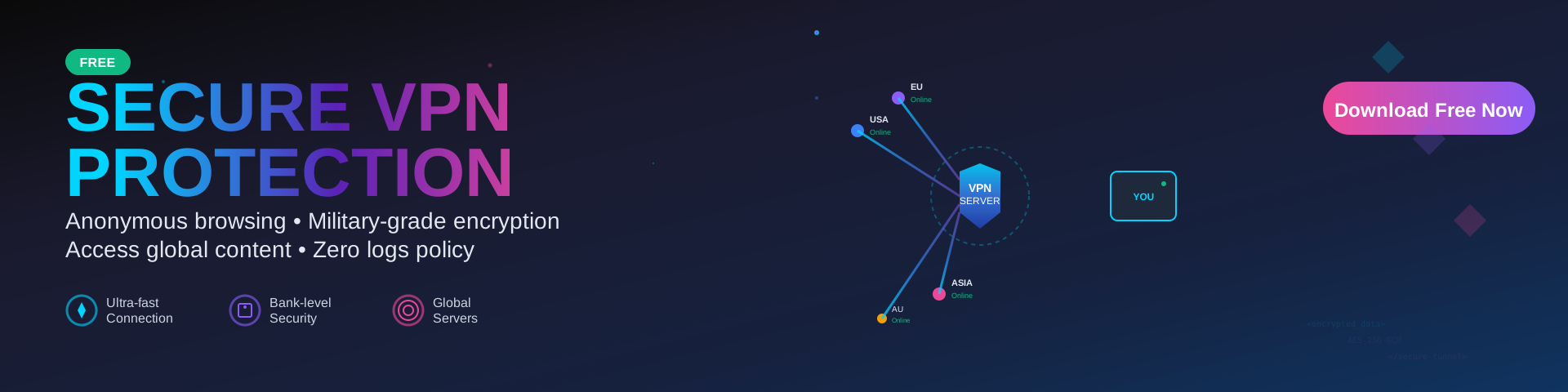
A reliable VPN masks your IP address and encrypts internet traffic, making it ideal for public Wi-Fi use or accessing geo-restricted content. FreeVPNX (https://www.freevpnx.com/) stands out with its fast speeds, unlimited bandwidth, and commitment to privacy. It’s perfect for users seeking to bypass censorship or protect their data while streaming or shopping online.
2. Browser Extensions for Enhanced Security
Extensions like HTTPS Everywhere force websites to use secure HTTPS connections, while uBlock Origin blocks invasive trackers. For anonymous browsing, the Tor Browser routes traffic through multiple relays, though it’s slower than standard browsers.
3. DNS Privacy Services
Services such as Cloudflare Warp or AdGuard DNS encrypt DNS requests, preventing ISPs or hackers from窥视 your browsing destinations. This complements a VPN for layered protection.
4. Password Managers
Tools like LastPass or Bitwarden generate strong, unique passwords and auto-fill forms, reducing the risk of credential theft. Look for options that store data locally or with zero-knowledge encryption.
These tools work synergistically. For instance, pairing FreeVPNX with HTTPS Everywhere ensures all connections are encrypted, even on unsecured sites.
---Section 3: Practical Tips for Implementing Secure Browsing
While advanced tools are essential, user behavior also plays a pivotal role in maintaining privacy. Here’s how to optimize your setup:
1. Choose the Right Configuration
- Enable Kill Switch features on your VPN to block internet access if the connection drops, preventing data leaks.
- On Windows, use Privacy Settings to limit app permissions and location tracking.
2. Prioritize Regular Updates
Keep your OS, browser, and security tools updated to patch vulnerabilities. Enable automatic updates on Windows via Settings > Update & Security.
3. Adopt Safe Browsing Habits
- Avoid clicking suspicious links, even from trusted contacts.
- Use incognito/private browsing modes for sensitive searches.
- Verify URLs before entering personal data—scammers often mimic legitimate sites.
4. Test Your Privacy Settings
Use tools like WhatIsMyIP.com to confirm your real IP is hidden when using FreeVPNX. Check DNS privacy via DNS泄漏测试 (DNS Leak Test) to ensure no addresses are exposed.
---Conclusion: Embracing a Secure Digital Future
The fusion of cutting-edge technology and user vigilance has redefined PC privacy. By leveraging tools like FreeVPNX, browser extensions, and DNS services, Windows users can browse confidently while minimizing risks. Remember, privacy is a continuous process—stay informed about emerging threats and update your strategies accordingly. With the right tools and habits, you can reclaim control over your digital footprint and enjoy a safer online experience.